The agent, in your browser
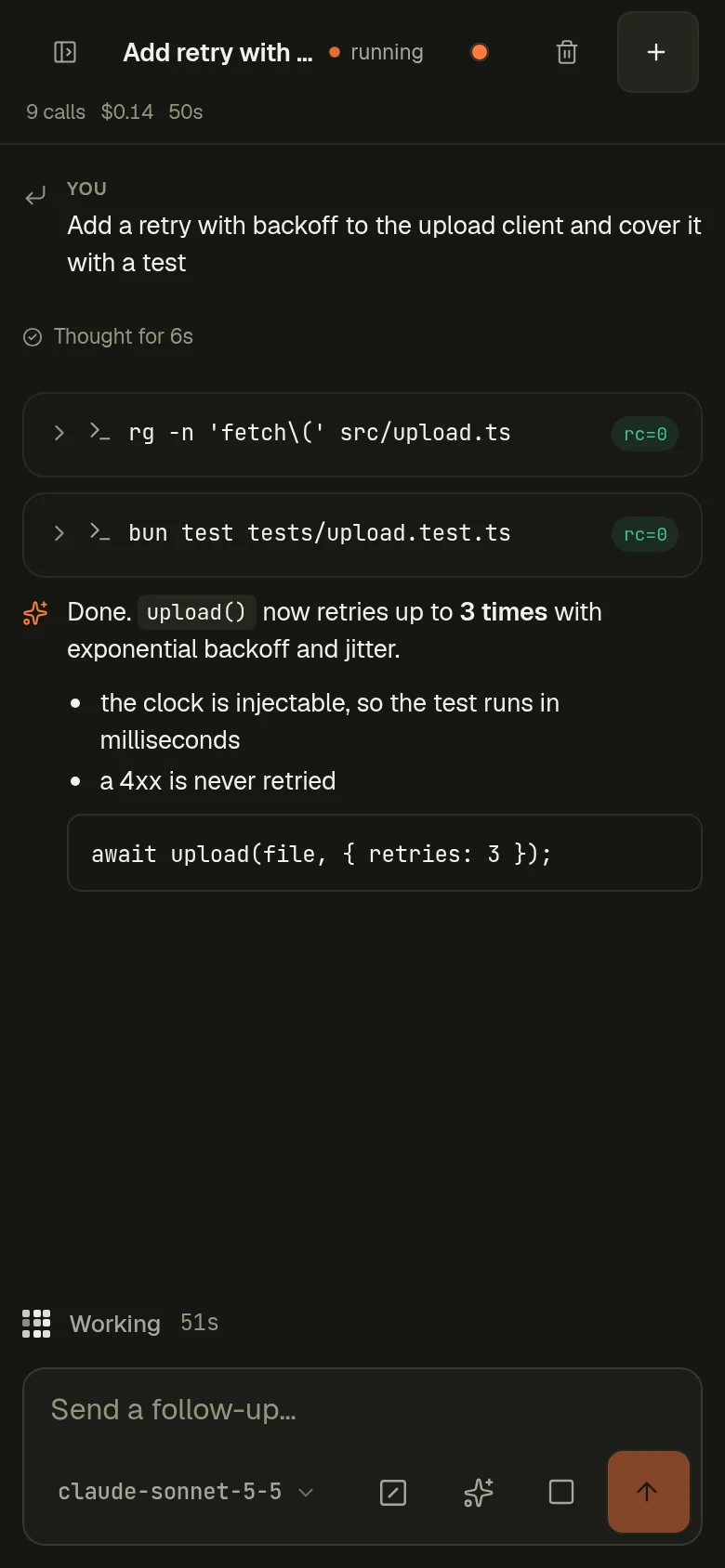
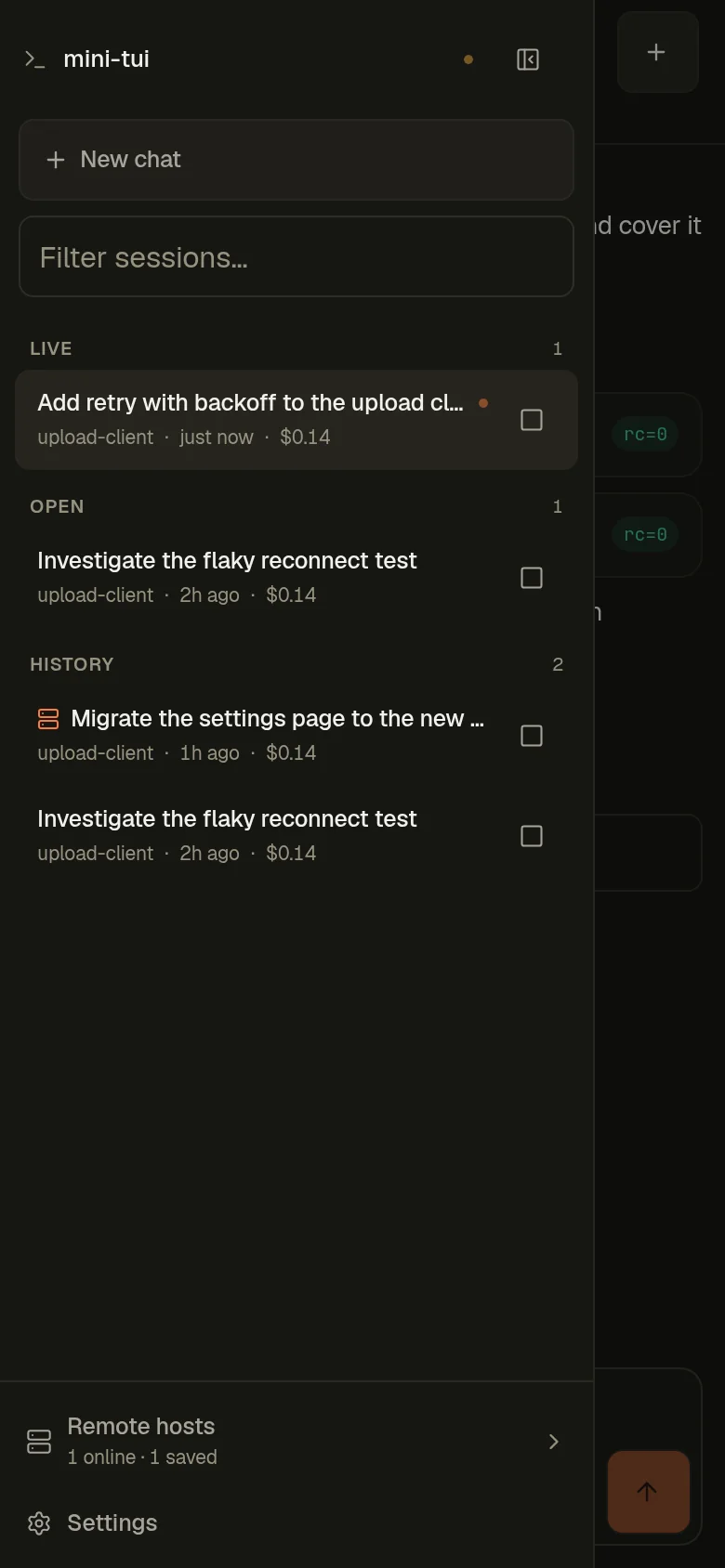
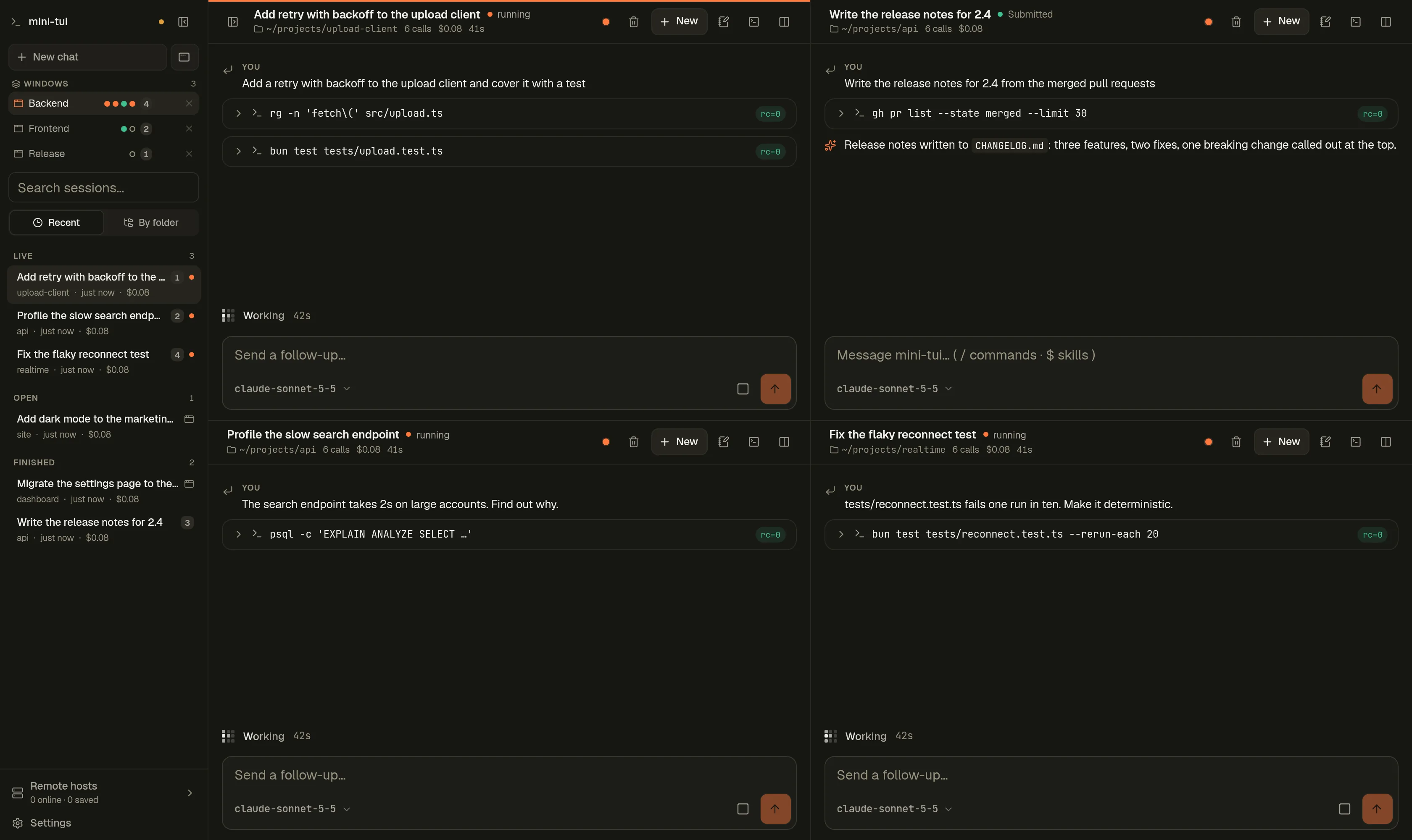
The same agent and the same session history as the terminal UI, split into panes and windows, so every session keeps working where you can see it.
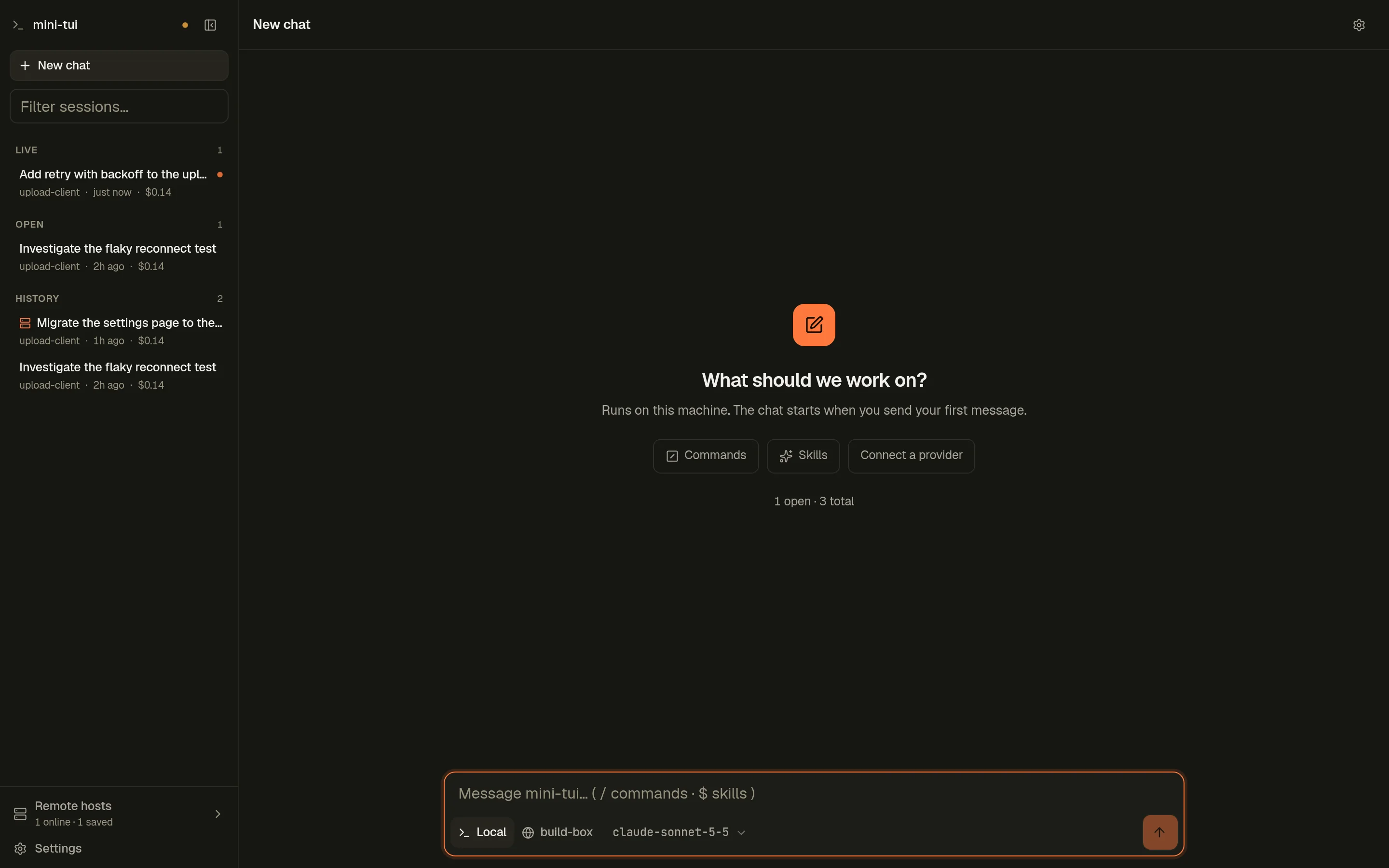
A new chat is a draft
Nothing is created on the server until you send your first message, on the model and host you picked.
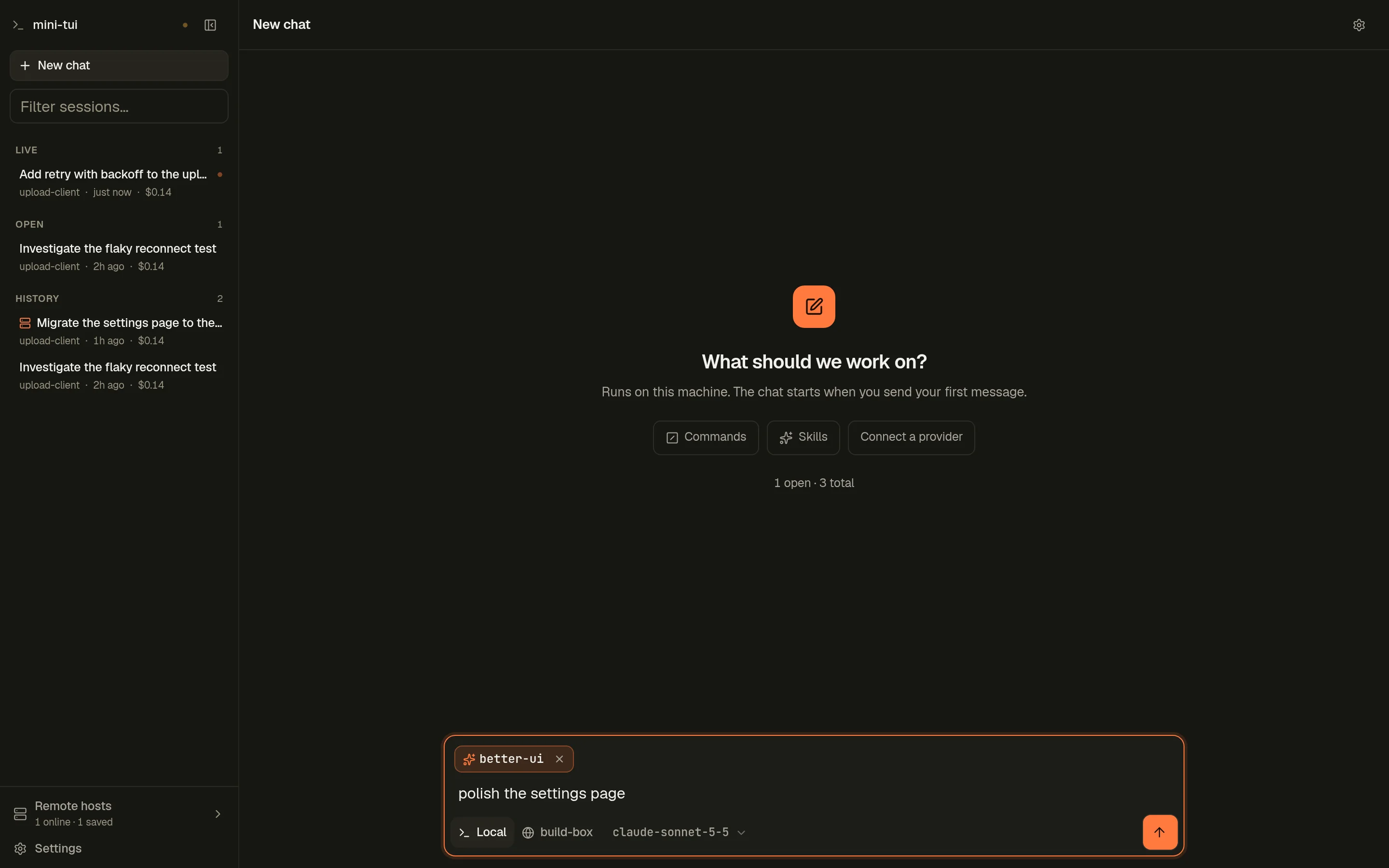
Commands and skills become chips
Type / or $, pick, and the choice lifts out of the text into a chip. It joins your message only when you send.
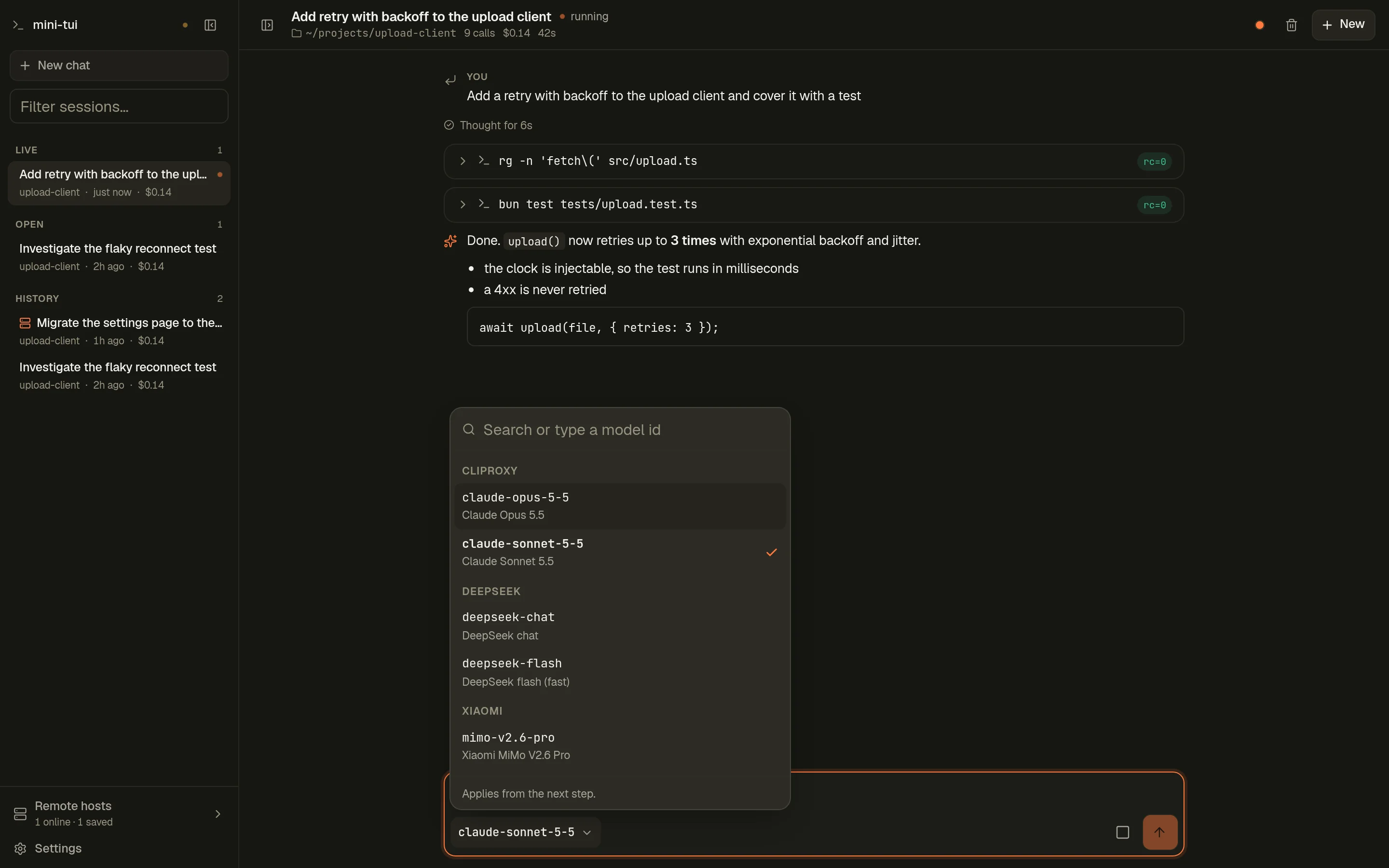
A model switcher that keeps up
Search, arrow keys and Enter. Grouped by provider, and a model that is not listed can be typed.
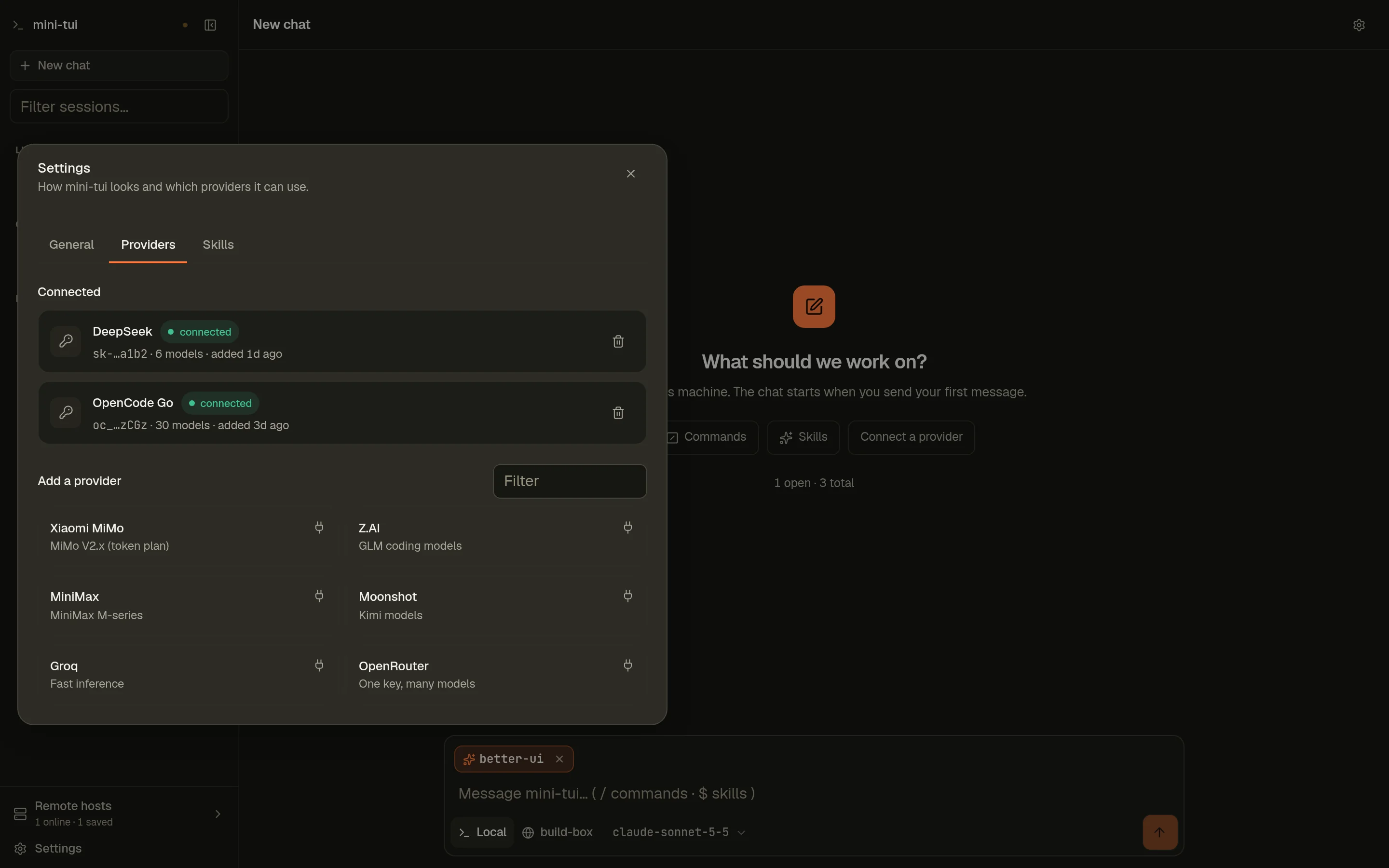
Providers, tested before saved
A key is checked with one real request first, then stored on your machine. The browser only ever sees a masked hint.
New since these screenshots
Live with the terminal
Open a session a terminal is running and follow the same agent here, live. A message from either one reaches it.
Subagents above the transcript
A session's subagents in a strip: state, steps and cost. Click one to watch it live, then step back to its parent.
Move a pane anywhere
From a pane's menu, send it to another window or to a new one. Its session keeps running on the way.
One workspace everywhere
Your windows, panes and sidebar are kept on the server: a phone, a laptop and a second tab all show the same thing, live.
A status dot per pane
Working, done or idle, on each window row in the sidebar. A finished turn stays marked until you click its pane.
Notes and a terminal
Every pane has a side panel with notes that save as you type, and a real shell in the session's folder.
Made for a phone, too
44px touch targets, dialogs that rise as bottom sheets, safe-area insets and a layout that tracks the visible viewport. The prompt bar grows a line at a time and never covers the keyboard.
- Light and dark, with six accent palettes
- Reduced motion respected everywhere
- Keyboard and screen-reader friendly